

WebRTC calling lets people make and receive voice and video calls directly in a web browser or app, with no softphone to download. For a business phone system, it is the technology that puts a desk phone’s worth of calling into a browser tab. It does not replace SIP, the signalling standard that carriers and most business phone systems use to reach real phone numbers. The two usually work together: WebRTC on the user’s device, SIP on the telephony side.
This guide explains what WebRTC is, how a call connects, how it compares with SIP, what to watch for on security and networks, and how to decide whether a browser-based phone suits your team.
TL;DR
- WebRTC (Web Real-Time Communication) is a standard set of browser APIs for real-time audio, video and data. It needs no plug-in or separate softphone.
- WebRTC does not define signalling, so a phone system has to supply it. SIP is the usual way to reach external phone numbers and carrier networks.
- Calls are encrypted, but the connection process can reveal IP addresses. Relay servers and HTTPS-only deployments are the standard precautions.
- Call quality depends mostly on your network, headsets and QoS settings, not on the browser.
- For most NZ businesses, the practical question is not WebRTC versus SIP. It is whether your provider combines them well and supports you locally.
Table of Contents
- What WebRTC stands for and what it does
- How a WebRTC call connects
- WebRTC vs SIP: two jobs, not two rivals
- What WebRTC does not give you
- Security and privacy: what NZ businesses should set
- What you need for reliable browser calls
- Perspective
- Choosing a WebRTC-capable business phone system
- Where NextVoice fits
- FAQ
- Sources
What WebRTC stands for and what it does
WebRTC stands for Web Real-Time Communication. The W3C, the body that standardises the web, describes it as building blocks for developers to add real-time voice and video to applications, with uses ranging from telehealth and education to workforce collaboration. It became a formal W3C Recommendation in 2021.
In practice, three pieces do the work, as Google’s web.dev guide lays out:
- MediaStream captures audio and video from the microphone and camera.
- RTCPeerConnection carries the streaming audio, video or data between two endpoints.
- RTCDataChannel carries generic data, such as chat messages or files, between peers.
For business calling, the headline benefit is simple. A user opens a web page or an app, allows microphone access and can place or answer a call. There is no installation, no desktop client to patch and no separate login to a legacy softphone. That suits hybrid and remote teams, contractors and reception staff who move between desks.
How a WebRTC call connects
WebRTC does not set up a call by itself. It needs a signalling service to introduce the two sides first. MDN’s connectivity guide explains the sequence:
- The caller’s browser captures local media and adds it to an RTCPeerConnection.
- The caller creates an SDP offer, a description of the media, transport, address and port details, and sends it through the signalling service.
- The recipient replies with an SDP answer.
- Both sides run ICE (Interactive Connectivity Establishment), which gathers possible network paths, called candidates, and picks a working pair.
- Media then flows between the two endpoints.
The signalling channel is not part of WebRTC. The W3C specification says signalling messages travel over an application-provided channel such as WebSocket, and web.dev notes that signalling is not specified by the WebRTC API. Each vendor builds its own. That is why a browser call cannot ring a mobile phone on its own: something has to translate between the browser world and the telephone network.
Why NAT and firewalls matter
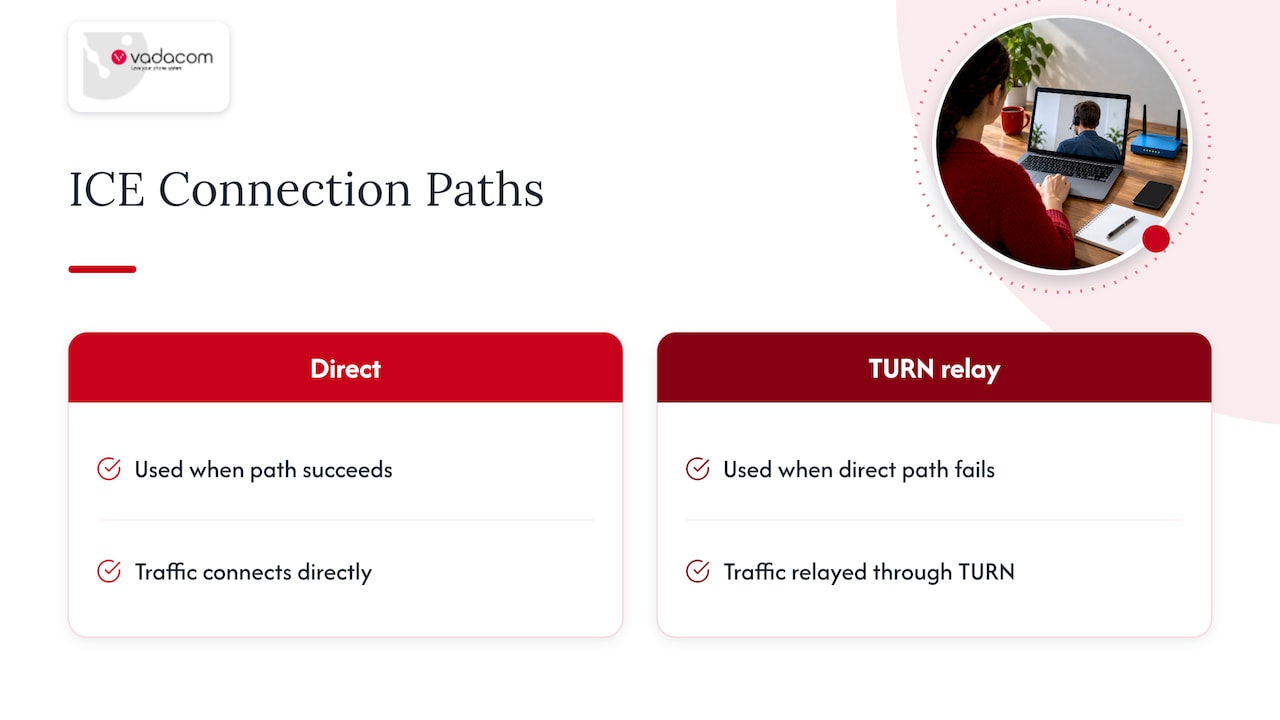
Most office and home devices sit behind NAT and firewalls, so they do not know how the outside world can reach them. ICE works around that by testing candidate paths. When a direct path fails, traffic can be relayed through a TURN server. This is the part that most often decides whether a deployment feels flawless or flaky, and it is why your provider’s architecture matters more than the browser on the desk.
WebRTC vs SIP: two jobs, not two rivals
People often search for WebRTC against SIP as if you pick one. They solve different problems.
| WebRTC | SIP | |
|---|---|---|
| What it is | Browser and app APIs for real-time media | A signalling protocol for setting up, changing and ending calls |
| Signalling | Not defined, supplied by the application | Defined by the protocol |
| Typical endpoint | Browser, mobile app | Desk phone, softphone, PBX, carrier trunk |
| Reaching normal phone numbers | Needs a gateway or platform | Built for it through carrier trunks |
| Client install | None in the browser | Usually a phone or software client |
| Encryption of media | Mandatory (SRTP with DTLS key exchange) | Optional, depends on configuration |
A useful way to think about it: WebRTC is how a person’s device captures and sends the voice. SIP is how a phone system finds the other party, rings them and connects to the public phone network. Documentation from one open-source collaboration vendor puts it plainly: WebRTC is typically peer-to-peer, while businesses use SIP integration to reach external phone numbers and keep centralised compliance.
The GSMA, the mobile industry body, reached a similar conclusion in a whitepaper on WebRTC and IP communication services: the two have complementary strengths and weaknesses, and gateways can connect WebRTC with carrier services. If you want a refresher on terms such as IMS, VoLTE and trunking that come up in these discussions, a mobile telecommunications glossary is a handy companion.
For engineers who want the integration patterns and an operations checklist, we have written up three WebRTC and SIP patterns in more detail.
Three common ways businesses combine them
- Browser softphone on a cloud PBX. Staff make and take calls in a browser or app. The platform handles SIP to the carrier. This is the most common model for hybrid teams.
- Click to call on a website. A visitor clicks a link or button and speaks to your team straight from the page, with no number to dial. See our guide to setting up click to call.
- Desk phones and browser clients side by side. Reception keeps a SIP handset while remote staff use the browser, all on the same extensions and call flows.
What WebRTC does not give you
The GSMA whitepaper is candid about gaps. WebRTC on its own does not define signalling, presence, authentication, address-book integration, ringing notification or native push notifications. A bare browser call therefore lacks things a business phone system takes for granted:
- Extension dialling and a directory
- Ringing a user whose browser tab is closed
- Call transfer, hunt groups and queues
- Voicemail, recording and reporting
- Number porting and emergency calling arrangements
That is not a reason to avoid WebRTC. It is a reason to adopt it through a platform that supplies those features, rather than building them yourself. A product team writing its own video feature needs a developer toolkit. A business that wants staff to take calls needs a finished phone system.
If your team transfers calls often, the mechanics matter too. Our notes on call transfer methods and on attended versus blind transfers show how each behaves across phones, apps and SIP.
Security and privacy: what NZ businesses should set
WebRTC is built with security in mind. RFC 8827, the WebRTC security architecture, specifies that media between peers is encrypted using SRTP, with DTLS used to negotiate keys. Applications are expected to run in secure HTTPS contexts.
There is one well-known privacy wrinkle. Because ICE discovers network paths, WebRTC can expose a caller’s IP address to the other side. The same RFC points to TURN relays as the way to mask addresses. For a business, the sensible controls are:
- Use a platform that relays media through its own infrastructure when needed, so staff IP addresses are not exposed to outside parties.
- Serve every calling page and app over HTTPS only.
- Keep browsers and operating systems updated on managed devices.
- Use strong authentication for accounts, and review who can place external calls.
- Decide which calls are recorded, who can access recordings and how long you keep them.
Some sectors have additional expectations. The Physiotherapy Board of New Zealand’s telehealth handbook expects telehealth software and services to keep patient information private and secure, and advises switching to an alternative platform or the telephone if a tool does not meet the required privacy, security and quality. If you work in health, check your own regulator’s guidance before putting clinical conversations on any calling tool.
For wider controls, see our guides to VoIP security best practices for NZ businesses and video conferencing security controls.
What you need for reliable browser calls
Browser calling is forgiving compared with the old days of on-premise PBXs, but a few basics decide the experience.
Devices and browsers
Use a current version of a mainstream browser, or the provider’s app, on a laptop, desktop or mobile. A decent USB or Bluetooth headset does more for audio quality than any setting. Built-in laptop microphones pick up keyboard noise and room echo, and open-plan offices make it worse.
Network
The numbers that matter are packet loss, jitter and latency, not just headline speed. A fast connection that drops packets still produces choppy audio. Practical steps:
- Put desk-based users on wired Ethernet where you can, and keep wi-fi for roaming staff.
- Prioritise voice traffic on your router or firewall with QoS. Our five-step guide to VoIP QoS covers the standards-backed approach.
- Make sure your firewall lets the provider’s calling traffic through, and ask the provider for its current network requirements.
- If video calls stutter while voice is fine, work through our seven quick tests for video call lag.
Home and remote workers
Home routers and shared connections are the usual weak point. A short checklist for remote staff (wired if possible, a headset, no large uploads during calls) prevents most complaints. Our checklist of procurement checks for remote work phone systems is a useful starting point when you are comparing providers.
Voice quality and codecs
HD voice depends on every hop supporting a wideband codec. If one leg falls back to a narrowband codec, the call sounds flat. We explain how to prevent HD voice fallback from end to end.
Perspective
Most of the WebRTC questions we hear from New Zealand IT managers are really about operations. Will it ring when the laptop is closed? Who looks after the network path? Who do we call at 8am on a Monday when it misbehaves?
Our view is that the technology is the easy part. WebRTC is a proven way to get voice into a browser, and SIP remains the right way to connect to carriers and phone numbers. What separates a good deployment from a frustrating one is a platform that brings the two together properly, with essential features that staff actually use: extension dialling, call transfer and announced transfer, voicemail, in-app recording and call flows you can adjust yourself.
That is how we designed NextVoice. It runs on a telco-grade cloud architecture across multiple availability zones, so you are not buying hardware or carrying a large upfront cost, and you can add or change users as the business changes. We have developed, delivered and supported communications locally across New Zealand and Australia for more than 20 years, and we think hands-on local support is what most teams are really buying.
If you are weighing up a browser-based phone, start with your call flows and your network, and work out who you want to call when something needs fixing. The rest follows.
Stuart
Choosing a WebRTC-capable business phone system
When you compare providers, ask questions that reveal how the whole system behaves rather than whether WebRTC is mentioned on the feature list.
- Does it ring reliably? Check how the app or browser client is alerted to incoming calls on desktop and mobile.
- How does it reach phone numbers? Ask about carrier connections, number porting and how emergency calls are handled. Our comparison of UCaaS and VoIP explains who owns what.
- What happens on difficult networks? Ask how media is relayed when direct paths fail, and what you need to open on your firewall.
- Which phone features are included? Extensions, transfers, voicemail, recording and configurable call flows should be part of the core product.
- Can you manage it yourself? Self-service administration for adding users and changing settings saves tickets and waiting.
- Who supports it, and where? Local support in your time zone is a practical advantage when the problem is on a customer-facing line.
- How does it scale? Look for cloud architecture that can grow with headcount, and billing that adapts as you do.
If you want a closer look at deploying a browser phone with a minimum of network fuss, our guide to deploying browser-based phones walks IT teams through it.
Plan the call flow before you switch
Browser calling makes it easy to add users quickly, which is exactly when call flows get messy. Map who answers what, what happens out of hours and where overflow goes before you build anything. Our guide to call flow design shows how to map calls first, and our auto attendant scripts give you wording you can adapt.
Where NextVoice fits
NextVoice is our cloud communications platform for New Zealand and Australian businesses. Staff can make and take calls from the office, at home or on the road, using the devices that suit how they work, and administrators can manage users and settings themselves. It covers the essentials: extension dialling, call transfer and announced transfer, voicemail, in-app recording and individual call-flow management.
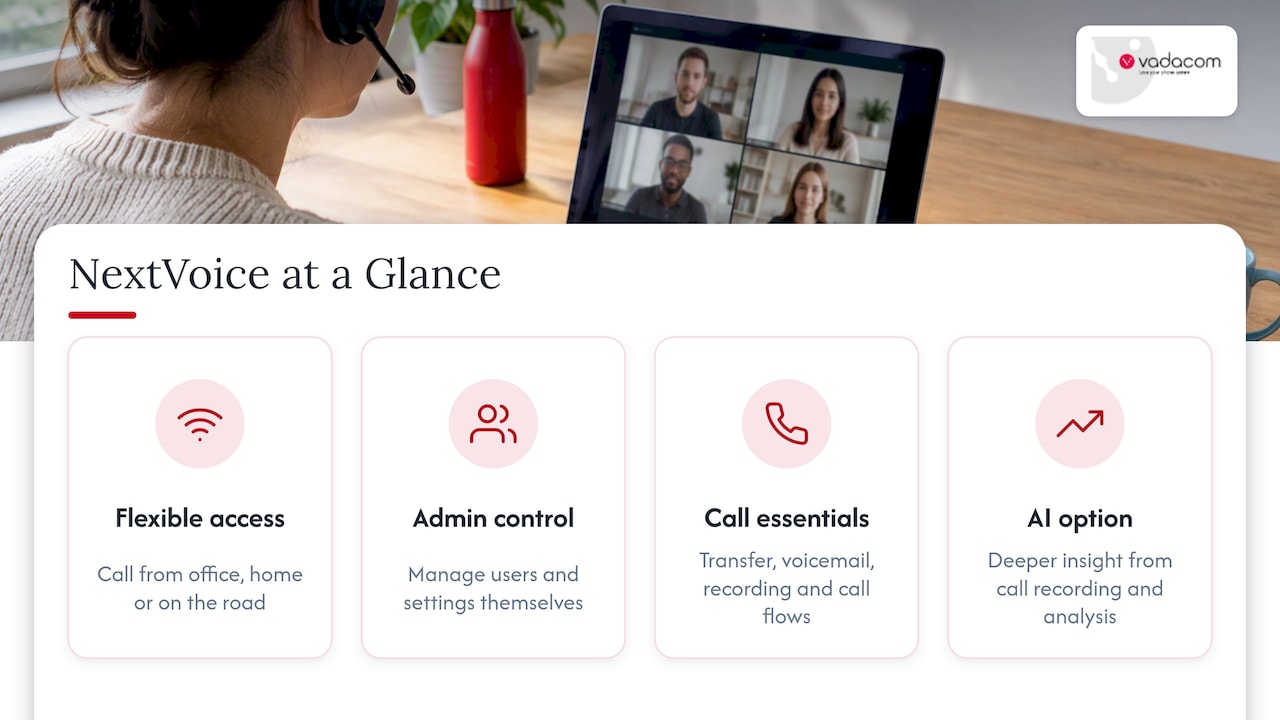
For businesses that want more from their calls, AI Call Intelligence is available as an option for deeper insight from call recording and analysis. If you are exploring an AI answering service or an AI receptionist, we suggest starting with a governed pilot, and our article on call routing strategies explains why.
If you are replacing an ageing on-premise system, a technical audit is a sensible first step, so you know what you have before you decide what to move. Talk to us about NextVoice or start with an audit of your current phone system.

Pricing is tailored to your users and requirements, so please contact us for a quote. We do not promise specific outcomes, because results depend on your network, devices and how you set the system up, but we can show you what a well-planned deployment looks like.
FAQ
Does WebRTC leak your IP address?
It can. The process that finds a working network path, ICE, can reveal IP addresses to the other party. Using TURN relays and serving everything over HTTPS, as the WebRTC security architecture describes, reduces the exposure. A business phone platform that relays media itself handles this for you.
Does WebRTC use TCP or UDP?
WebRTC media normally travels over UDP, because it keeps delay low, with TCP-based relaying available as a fallback when networks block UDP. Which path a given call takes depends on your network and your provider’s relay setup. Ask your provider what your firewall needs to allow.
What is the difference between WebRTC and SIP?
WebRTC captures and delivers real-time audio and video in browsers and apps, but leaves signalling to the application. SIP is a signalling protocol that sets up calls and connects to phone networks. Business phone systems typically use both: WebRTC for the user’s device and SIP for the carrier side.
Can WebRTC replace a softphone?
For many users, yes. WebRTC lets people make calls from a browser without downloading or installing a separate softphone. You still need a phone system behind it to supply extensions, transfers, voicemail and connections to external numbers.
Sources
- W3C: WebRTC becomes a W3C Recommendation
- W3C: WebRTC: Real-Time Communication in Browsers
- MDN: WebRTC connectivity
- web.dev: Get started with WebRTC
- GSMA: WebRTC to complement IP communication services
- RFC 8827: WebRTC Security Architecture
- Rocket.Chat: Configure voice via SIP integration
- Physiotherapy Board NZ: Telehealth (Digital Practice) Handbook
- Mobile telecommunications glossary