

A virtual receptionist service answers your business calls without a person sitting at your front desk. The caller is greeted, their question is handled or their details are captured, and the right person gets the message or the call. The answer can come from a remote human, an AI voice or a mix of both. The best choice depends on your call volume, how complex your calls are and which phone system sits underneath.
This guide is for Australian business owners, operations managers and IT managers who want to stop missing calls without hiring another full-time person. It explains what the service does, the three main models, what to check before you sign and how it connects to your existing phones.
TL;DR
- A virtual receptionist answers, screens, routes and logs calls remotely, so no caller reaches a dead end during meetings, lunch breaks or after hours.
- The three models are human-staffed, AI-driven and hybrid. Simple, repeatable calls suit AI. Sensitive or emotional calls suit people. Many businesses use both.
- The service works best when it is tied to your phone system: extension dialling, call transfer, voicemail and call flows decide what happens after the greeting.
- Check recording and privacy handling, escalation rules, reporting and how the service behaves on public holidays before you commit.
- Map your calls first. A service is only as good as the call flow and scripts you give it.
Table of Contents
- What a virtual receptionist service actually does
- Human, AI or hybrid: the three models
- Why missed calls cost more than they seem
- How a virtual receptionist connects to your phone system
- What to check before you sign
- Working from several places
- A practical way to pilot
- Our perspective
- Getting started with Vadacom
- FAQ
- Sources
What a virtual receptionist service actually does
Think of the job a good front-desk receptionist does on a busy morning. They pick up within a few rings, greet the caller in your business name, work out what the caller needs and send the call to the right place. A virtual receptionist does the same work through the phone network rather than from a desk in your office.
In practice, the core tasks are:
- Greeting and identifying the caller. A consistent, branded greeting, with the caller’s name and reason for calling noted.
- Routing and transferring. Putting the call through to the right extension, a mobile, a team or a queue. An announced transfer, where the receptionist tells the colleague who is calling before connecting, keeps the handover personal.
- Taking messages. Capturing details accurately and delivering them by email, SMS or an app, rather than leaving a caller in a voicemail box nobody checks.
- Answering common questions. Opening hours, location, service areas, pricing guidance and the next step to book.
- Booking appointments. Where the service can see a calendar, it offers times and confirms them.
- Screening. Filtering sales calls and spam so staff time goes to real customers and prospects.
Some businesses also use automated follow-up after a missed call. Tools built around automated voicemail drops show how a pre-recorded message can reach a contact once a call has been missed. Either way, the aim is the same: nobody who calls is left wondering whether you will ever get back to them.
Human, AI or hybrid: the three models
The phrase “virtual receptionist” covers three quite different services. Knowing which one you are buying is the single most useful step in the whole process.
Human-staffed virtual receptionists
A pool of trained remote staff answer on behalf of many businesses. They work from scripts you provide, and they can respond to tone, handle unusual requests and use judgement. This model suits professional services, health and wellbeing practices, and any business where a call can be emotional or complex. The trade-off is that people are shared between clients and are usually charged by call volume or minutes, so costs grow with demand.
AI receptionists
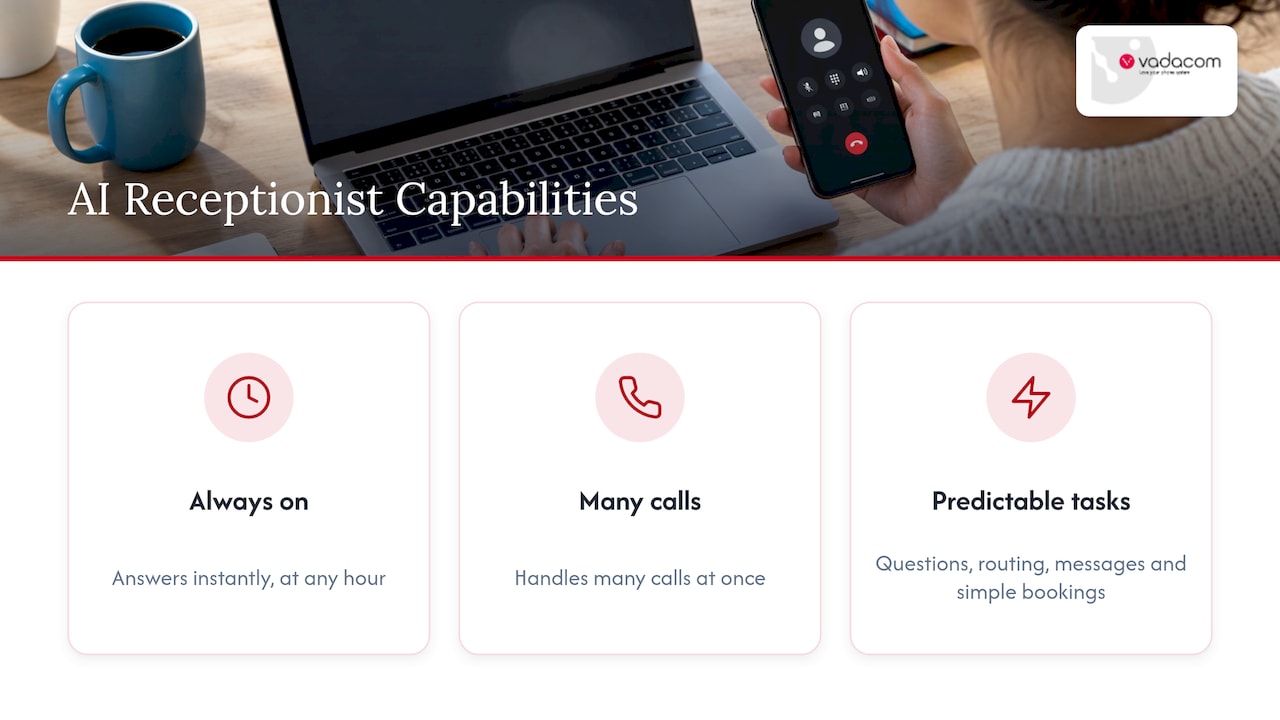
An AI voice agent answers instantly, at any hour, and can handle many calls at once. It is well suited to predictable questions, call routing, message capture and simple bookings. It does not get tired on a Monday morning or at 2am. If your calls follow clear patterns, AI can cover them consistently. Our own AI auto attendant is designed for exactly this kind of first-touch job, with local telco support for New Zealand and Australian businesses behind it.
Hybrid: AI first, people when it matters
Hybrid models let AI take the routine volume and hand off to a person for anything that needs care. The handoff rules are the heart of this model. You decide which topics, caller types or keywords trigger a transfer to staff. Our approach to after-hours phone answering combines AI and human handling so that urgent calls reach someone while routine ones are captured and logged.
Which model fits your business?
| Situation | Model that usually fits |
|---|---|
| Mostly simple questions, bookings and message-taking | AI |
| Calls involve distress, complaints or complex advice | Human or hybrid |
| Heavy peaks at set times, quiet at other times | AI or hybrid |
| Small team with staff in the field or working from home | Hybrid linked to your phone system |
| Strict rules on who handles customer information | Whichever lets you control scripts, access and recording |
This table is a starting point, not a verdict. Your own call log is the best evidence. If you can, review a few weeks of calls and sort them into “routine”, “needs judgement” and “urgent”. The proportions tell you which model to lean on.
Why missed calls cost more than they seem
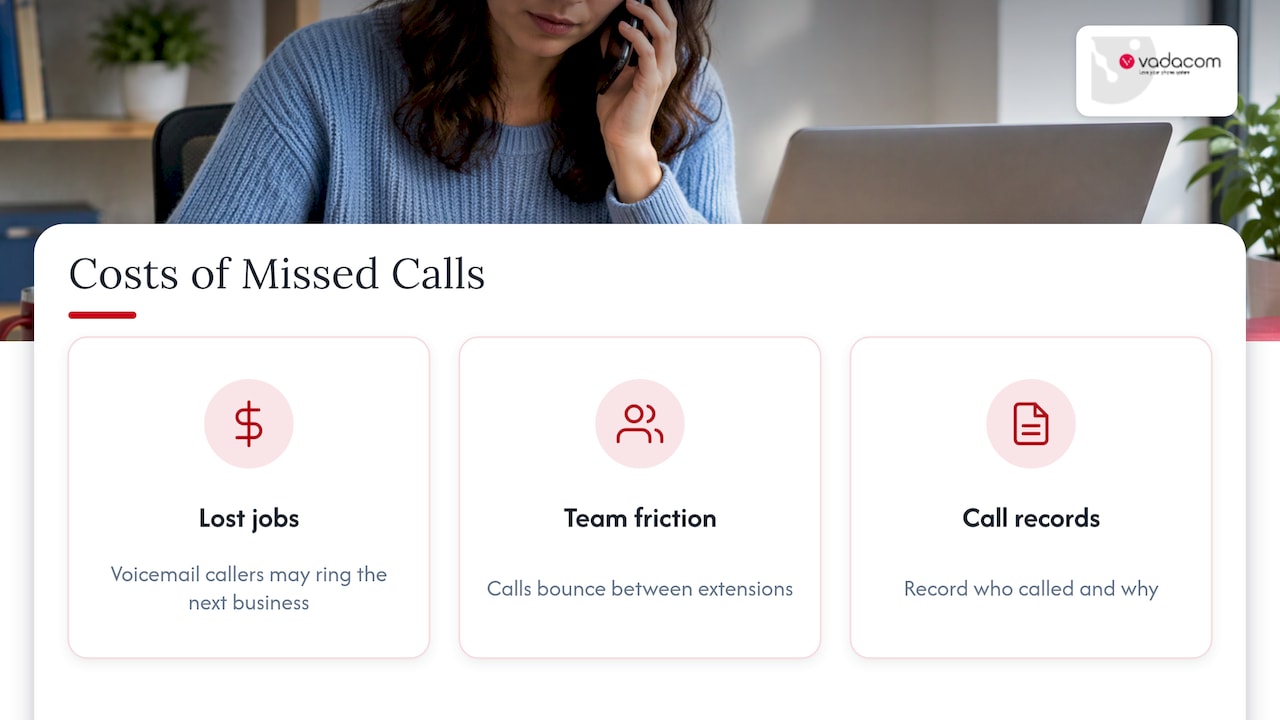
A caller who reaches voicemail is often a caller who rings the next business on the list. For tradies, clinics, practices and local service companies, an unanswered call can be a lost job. For larger teams, the cost shows up differently: calls bounce between extensions, staff interrupt each other to find who is free and customers repeat themselves.
A virtual receptionist addresses both problems. It closes the gap when nobody is available, and it gives every call a consistent first response. The business also gains a record of who called and why, which most small offices never had when messages lived on sticky notes.
If you do miss calls, a structured response matters. We cover compliant follow-up in our guide to missed call recovery, including how to contact people who called without breaching customer expectations.
How a virtual receptionist connects to your phone system
The most overlooked part of the decision is integration. A virtual receptionist that sits beside your phones as a separate island creates new problems: duplicated numbers, awkward forwarding and no shared view of what happened to a call.
The better arrangement is a service that works with a cloud phone system, so these things happen naturally:
- Calls arrive through your existing number. Callers do not notice a change.
- Extension dialling and transfer work as normal. The receptionist can put someone through to a desk, a mobile or an app.
- Voicemail and recording sit in one place. Messages and recordings follow the same rules as the rest of your calls.
- Call flows decide the path. Business hours, holidays, queues and fallbacks are configured, not improvised.
- Your calendar and customer records can be linked. AI-powered phone systems for reception show how reception, cloud telephony and business tools can be connected into one setup.
If you are still on an on-premise system, this is often the moment to look at the platform underneath. Hardware that cannot route calls to remote staff, or cannot be changed without an engineer visit, limits what any receptionist service can do. Our technical audit looks at an older setup and what a move to the cloud would involve.
Call flows come first
Before you brief any provider, draw how a call should travel. Who answers during business hours? What happens at 5:01pm? Where does a sales enquiry go compared with a supplier invoice question? A clear map, built before you configure anything, avoids most disappointment. Our guide to call flow design walks through mapping calls before you build, and our auto attendant scripts give IT administrators wording they can copy and adapt.
Scripts that sound like you
Whether the voice is a person or an AI, it needs words. Good scripts are short, ask one question at a time and have a clear next step. They name the business, offer help and avoid jargon. Our receptionist script examples cover common situations such as new enquiries, existing customers, urgent calls and after-hours messages.
What to check before you sign
Compare providers on the points that change your day-to-day experience, not on the headline offer.
Hours and coverage
Confirm whether the service answers 24/7 or only in set hours, and what happens on public holidays. Australia has a mix of national and state public holidays, and calls on those days still need a plan. Setting this up properly in your phone system, as we explain in our guide to holiday hours routing, keeps the rules in one place rather than relying on someone remembering to switch a setting.
Escalation rules
Ask exactly how urgent calls are identified and who the service contacts. Write the rules down: which words, caller types or situations lead to a live transfer, and where the call goes if the first person does not answer. Include a backup number.
Call recording and privacy
If calls are recorded, callers must be told. Australian federal law on interception, the Telecommunications (Interception and Access) Act 1979, sits behind the familiar “this call may be recorded” message, and state and territory surveillance rules can also apply. When a service captures names, phone numbers and details of enquiries, the Australian Privacy Principles set out how personal information should be collected, held and used. Ask where recordings and transcripts are stored, who can access them and how long they are kept. If your business handles health, legal or financial information, talk to your legal adviser about your specific obligations before turning recording on.
Reporting
You should be able to see how many calls came in, how many were answered, how long they took and what happened next. Without reporting, you cannot tell whether the service is working or whether your scripts need changing. Some businesses also want deeper analysis of recorded calls, such as themes and common questions. Our AI Call Intelligence is an optional capability for customers who want that insight from call recording and analysis.
Contract and flexibility
Check the term, how users or lines can be added and removed, and what happens if your needs change. Your business will not look the same in two years. Pick a service that adjusts, rather than one you have to work around.
The features list under the receptionist
A receptionist service is only one piece of your phone setup. The underlying system needs to handle the essentials well: voicemail, call transfer, extension dialling, call flows and mobile or app access. Our checklist of phone system features turns each into one question you can put to any supplier.
Working from several places
Many Australian teams are split between an office, home and the road. In that case the receptionist needs to be able to reach people wherever they are, not just at a desk. A cloud phone system lets staff take calls through an app, a browser or a desk phone, using the same number and the same call flows. If your team is distributed, our remote work phone system checks set out what to confirm before you buy. If you mostly send calls to staff mobiles today, see our notes on call forwarding to mobile for the fees and limits to know about and when a cloud phone is the cleaner option.
A practical way to pilot
A careful start beats a big-bang change. Here is a simple process that works for most small and mid-sized businesses.
- Review two to four weeks of calls. Note the time, reason, outcome and whether anyone answered.
- Sort the calls. Routine, needs judgement, urgent.
- Write the call flow. Draw the path for each group, with a fallback for every step.
- Draft the scripts. One greeting, a few common answers, one escalation message.
- Start with after-hours or overflow calls. This limits risk while you learn how callers respond.
- Review weekly. Listen to a sample of calls, read the messages, adjust scripts and rules.
- Expand once it works. Move more call types across as confidence grows.
We recommend the same approach for AI. A governed pilot with clear rules, measured results and a person who owns the outcome is far more likely to succeed than switching everything on at once. Our article on call routing strategies explains why. Nobody can promise a specific result from any service, and we do not, but a structured pilot gives you the evidence to make the next decision.
Our perspective
Most businesses we speak to do not need a complicated answer to the phone. They need every call to be picked up, understood and sent somewhere sensible. That is a call flow problem before it is a technology problem.
We have spent more than 20 years designing, delivering and supporting communications across New Zealand and Australia, and the pattern is consistent: the businesses that are happiest with a receptionist service are the ones whose phone system and call flows were set up properly first. A voice answering the call is only as good as the path behind it.
That is why NextVoice is built around the essentials: extension dialling, call transfer and announced transfer, voicemail, in-app recording and individual call-flow management. It runs on a telco-grade cloud architecture across multiple availability zones, so it can grow with a business without on-premise hardware or a large upfront investment. Our AI answering service sits on top of that foundation, and our optional AI Call Intelligence gives customers who want it a clearer view of what is being said on their calls.
We also believe local support matters. When something needs to change, you should be able to talk to people who know your setup, rather than raise a ticket with an offshore queue.
Stuart
Getting started with Vadacom
If you want an AI answering service that works with your phone system rather than beside it, Vadacom can help. Our AI answering service is locally supported and sits on NextVoice, our cloud business phone platform, so greetings, routing, voicemail and recording follow the call flows you configure. Customers manage users and settings as their needs change.
The easiest first step is to talk to us about your current calls and phones. You can see how NextVoice works or get in touch through our site to discuss an AI answering service for your business. If you are weighing up a move from older equipment, a cloud business phone set up the right way can avoid long waits for changes.
FAQ
What is a virtual receptionist service?
It is a remote service that answers your business calls, greets callers, takes messages, routes calls and sometimes books appointments. The person or system answering is not at your premises. It can be a trained human, an AI voice or a combination, depending on the provider.
Is a virtual receptionist better than an AI receptionist?
Neither is better in every case. People handle sensitive or complicated calls well, while AI answers instantly, at any hour and handles many calls at once. A hybrid setup lets AI manage routine calls and hands over to staff when a call needs care.
Can a virtual receptionist work with my existing phone number?
Usually yes, if your phone system can forward or route calls to the service. A cloud phone system makes this simpler because routing, transfer and voicemail are configured in one place. Ask your provider how your current number would be connected before you commit.
Do I have to tell callers that calls are recorded?
Yes. Recording in Australia is covered by federal interception law and by state and territory rules, so callers should be told at the start of the call. Check your obligations with a legal adviser, especially if you handle health, legal or financial information.
How do I know whether my business is ready for one?
Look at your call log. If calls go unanswered at peak times, after hours or when staff are with customers, a receptionist service can help. Map your calls and write your scripts first, then start with after-hours or overflow calls.
Sources
- Telecommunications (Interception and Access) Act 1979, Federal Register of Legislation
- Australian Privacy Principles, Office of the Australian Information Commissioner