

Choose hosted VoIP when you need reliable calling and nothing more: basic telephony at a lower cost than a legacy PBX. Choose UCaaS when your teams need calling, meetings, messaging and contact-centre tools working together, especially across hybrid or multi-site operations. We build NextVoice as a cloud option for businesses taking the UCaaS path.
TL;DR:
- VoIP often uses per user pricing, while UCaaS may add fees for contact center seats, analytics, and meeting capacity; buyers should compare itemized quotes.
- UCaaS can cost less than separate phone, video, and chat services only if staff use its features and existing subscriptions can be canceled.
- Provider uptime cannot prevent office outages from lost internet or power; businesses should test backup connections and batteries and assign emergency location data ownership.
- Run a pilot lasting two to four weeks to expose migration, integration, and failover problems and test proposed call flows before full rollout.
Table of Contents
- What is VoIP?
- What is UCaaS?
- Comparing VoIP and UCaaS by capability
- What VoIP and UCaaS actually cost to run
- How to choose between them: a procurement checklist
- Implementation, reliability and who owns emergency calling
- A straight answer on making the call
- Why Vadacom NextVoice fits the UCaaS path
- FAQ
- Sources
What is VoIP?
VoIP (Voice over Internet Protocol) carries phone calls over an internet connection instead of traditional copper lines. At its core, it replicates what a phone system has always done: dial tone, call routing, transfer and voicemail, just delivered through IP infrastructure rather than analogue circuits.
Most businesses consume VoIP in one of two ways: as a hosted service billed per user, or as a replacement for an on-premise PBX using SIP trunking into existing hardware. Either way, the feature set tends to stay close to what a phone needs to do.
Typical VoIP capabilities include:
- Extension dialling and internal call routing between staff
- Call transfer, including announced transfer to a colleague
- Voicemail and basic call recording
- Simple call-flow or IVR menu management
VoIP suits businesses whose main requirement is dependable calling at a sensible price, without needing meetings or messaging bundled in. For IT teams planning the move, our guide on VoIP versus landline costs breaks down what that switch typically saves over legacy lines, and our QoS checklist covers the technical steps that keep call quality consistent once you’re live.
What is UCaaS?
UCaaS (Unified Communications as a Service) brings telephony, video meetings, team messaging, contact-centre tools and third-party integrations into one cloud platform with a single admin layer. Rather than running separate tools for calls, chat and video, staff work from one interface and IT manages one system instead of several.
Core UCaaS components typically include:
- Cloud telephony with the same calling features VoIP delivers
- Video meetings and screen sharing for internal and external calls
- Persistent team messaging and file sharing
- Contact-centre functions such as queuing and call analytics
- APIs and integrations with CRM, helpdesk and productivity tools
Market reporting on the sector shows UCaaS vendors increasingly differentiating on AI and integrated contact-centre capabilities rather than competing on basic calling alone, as adoption shifts toward simpler management and lower total cost compared with running separate legacy UC tools.
UCaaS tends to suit hybrid teams who move between office, home and client sites, knowledge workers who rely on constant collaboration, and any business running a contact centre that needs queuing and analytics built in rather than bolted on.
Comparing VoIP and UCaaS by capability
Mapping each option against the categories buyers actually care about makes the decision clearer than comparing brand names:
- Voice and telephony: both handle this well. VoIP and UCaaS platforms generally match on call quality, extension dialling and transfer.
- Meetings and video: VoIP rarely includes this natively. UCaaS bundles video meetings into the same platform as calling.
- Messaging and chat: VoIP typically has none. UCaaS includes persistent team chat as standard.
- Contact centre: VoIP offers basic queuing at best. UCaaS platforms often include analytics, skills-based routing and reporting.
- Integrations and APIs: VoIP integration is usually limited to click-to-call. UCaaS platforms connect more broadly with CRM and helpdesk tools.
- Admin and provisioning: VoIP admin is simple because there’s less to manage. UCaaS admin covers more surface area but consolidates it into one console.
- Security: both should offer encryption and access controls, though UCaaS platforms carry a larger attack surface given the extra applications.
Evaluating providers properly means assessing features, licensing, resiliency, security and integrations together, since vendors vary widely across all five, not just on price per seat.
Analysts place AI and integrated analytics among the clearest differentiators in the UCaaS market, with Gartner’s Magic Quadrant for Unified Communications as a Service categorising providers by Ability to Execute and Completeness of Vision, a framework widely used as a market-positioning reference. If your shortlist includes AI-assisted call routing or conversation analytics, that’s a UCaaS-category feature, not something standard VoIP typically offers.
What VoIP and UCaaS actually cost to run
Licensing shapes differ more than most buyers expect going in. VoIP is often sold as a flat per-user rate covering calling and basic features, with PSTN minutes sometimes bundled and sometimes metered separately. UCaaS licensing tends to layer: a base fee per user, with additional charges for contact centre seats, advanced analytics or extra meeting capacity.
Total cost of ownership extends past the monthly invoice:
- Migration costs for porting numbers and reconfiguring call flows
- Staff training time, especially where UCaaS introduces new apps
- Renewal complexity when multi-year contracts bundle features you may not use by year three
- Hardware costs if handsets or headsets need replacing
Pro Tip: Ask every vendor for a line-item quote broken out by seat type, add-on and PSTN usage, plus a sample multi-year renewal, before comparing any two proposals side by side.
Consolidating multiple tools (phone, video, chat) into one UCaaS subscription often costs less than running them separately, but only when your team genuinely uses the extra features. If meetings and messaging already live in tools you’re keeping, that overlap is worth pricing out before you sign.
How to choose between them: a procurement checklist
Work through these before any vendor meeting, and bring the answers with you:
- Feature fit: does your team need meetings and messaging in the same platform as calling, or is dial tone the actual requirement?
- Scale and growth: will user numbers or sites change enough in the next two years to matter for licensing?
- Local support: is there a support team in your time zone who can help during an outage, not just a ticketing portal?
- SLA and uptime: what uptime figure is contractually guaranteed, and what happens when it’s missed?
- Integrations: does the platform connect to your CRM and helpdesk natively, or only through a third-party bridge?
- Data handling and security: where is data stored, and does that meet your industry’s requirements?
- Migration and failover plans: ask vendors directly how number porting works and what happens to calls during a connectivity drop.
- Emergency calling: ask who owns keeping location data accurate for emergency services routing, because it’s rarely the vendor by default.
Red flags worth walking away from: pricing that changes depending on who you ask, no named local support contact and no evidence of failover testing under real conditions. Our phone system features checklist runs through the seven questions worth asking before you commit to either path.
Implementation, reliability and who owns emergency calling
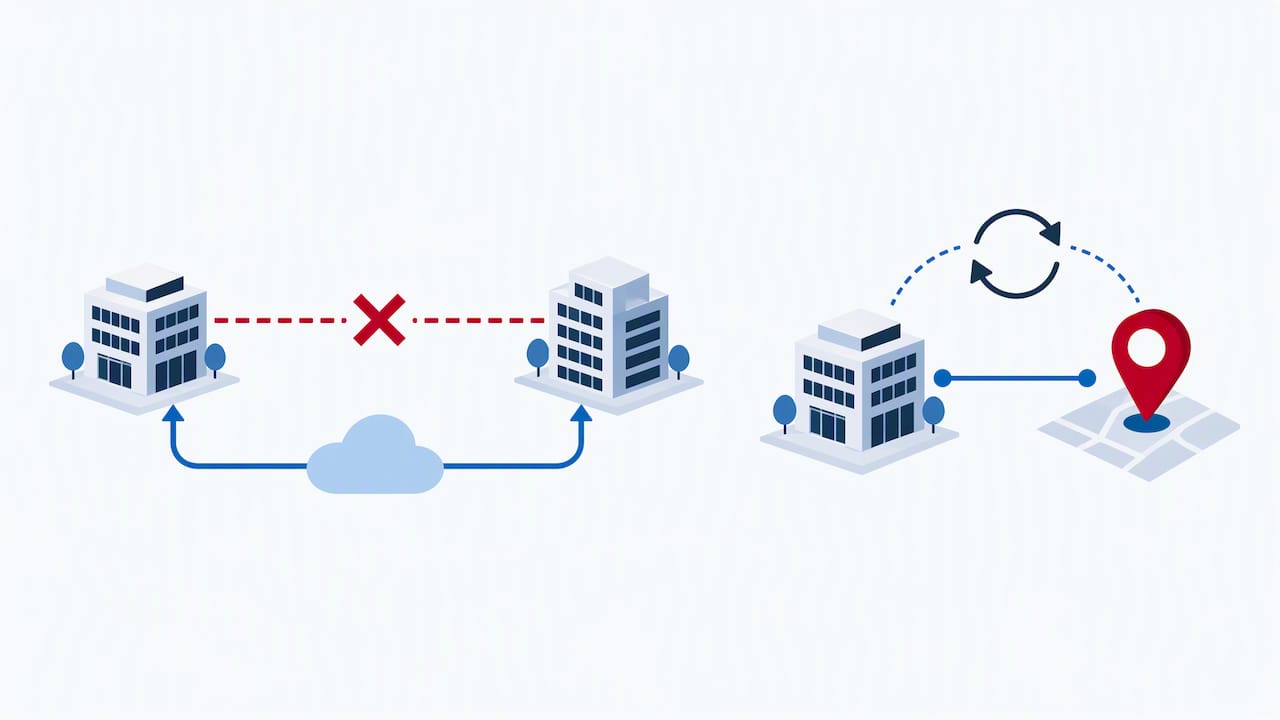
Platform uptime and site survivability aren’t the same thing, and conflating them causes outages that look like vendor failures but aren’t. A UCaaS or VoIP provider can report excellent uptime on its own infrastructure while your office still goes dark because the local internet connection or power dropped.
Site survivability depends on what’s on your end:
- Backup connectivity (a second ISP or 4G/5G failover) so calls keep routing if the primary line drops
- Battery-backed power for routers and handsets during an outage
- Tested failover, not just configured failover that’s never been run under real conditions
Analysts have flagged a shift in focus from platform uptime to site survivability, warning that migrating to cloud voice moves emergency-calling accuracy and configuration responsibility onto the business itself, not the vendor.
A standards-backed QoS approach (prioritising voice traffic, monitoring jitter and latency, and testing under load) catches most call-quality problems before they reach users; our QoS guidance walks through the five checks worth running first.
Pro Tip: Before go-live, run a deliberate failover test (unplug the primary connection mid-call) and confirm someone in your business owns verifying that emergency-calling location data stays accurate after every office move.
A short pilot of a few weeks is typically enough, surfaces most of these issues before full rollout. Our guide on migrating to cloud PBX covers how to structure that pilot for IT teams managing the switch.
A straight answer on making the call
If your business runs on calls and nothing else, hosted VoIP does the job without paying for features you won’t touch. The moment meetings, messaging and reporting become part of daily work, UCaaS earns its higher price through consolidation alone. Run a short pilot before committing either way; two to four weeks is usually enough to know if the fit is right.
— Stuart
Why Vadacom NextVoice fits the UCaaS path
If the comparison above points you toward UCaaS, NextVoice covers the ground this article has walked through: extension dialling, call transfer and announced transfer, voicemail, in-app recording, configurable call flows and web meetings, all managed from one admin console.

What that looks like in practice:
- Cloud architecture designed to support growth without the need for re-platforming
- Local support from a team experienced in delivering communications solutions for businesses in New Zealand and Australia
- Optional AI Call Intelligence for deeper insight from call recording and analysis when you need it
- Self-service administration is provided to allow adjustment of users and settings as requirements change
Conversational AI is also reshaping how teams handle routine call volume. Operational research on conversational AI points to its growing role in reducing manual bottlenecks, which is part of why we built AI features into the platform rather than treating them as an afterthought.
If you’re weighing a pilot, our technical audit is a practical place to start: it maps your current setup against what NextVoice would change before you commit to anything.
FAQ
Who are the top UCaaS providers?
Analyst reporting, including Gartner’s Magic Quadrant for Unified Communications as a Service, categorises providers into Leaders, Visionaries and Niche Players based on execution and vision rather than naming a fixed “top five.” The right fit depends on your feature needs, scale and support requirements rather than a single ranking.
What replaced VoIP?
VoIP hasn’t been replaced. UCaaS builds on VoIP by adding meetings, messaging, contact-centre tools and integrations into the same platform, so VoIP remains the calling layer underneath most modern UCaaS systems.
What is the main disadvantage of VoIP?
Standard VoIP typically lacks the meetings, messaging and contact-centre features bundled into UCaaS, so businesses that need those tools end up running separate systems. VoIP also shifts responsibility for call quality onto your internet connection, which makes backup connectivity and power worth planning for.
What is the advantage of implementing UCaaS?
UCaaS consolidates calling, meetings, messaging and contact-centre tools into one platform with a single admin console, reducing the number of separate systems IT has to manage. Market reporting shows adoption is often driven by simpler management and lower total cost compared with running legacy UC tools separately.
How long does it take to choose and implement a new system?
Evaluating vendors, running a pilot and completing rollout commonly takes a few weeks to a couple of months, depending on user numbers and how many integrations need testing. A short two-week pilot, as outlined in our cloud PBX migration guide, is usually enough to surface issues before a full switch.
Sources
- UCaaS market 2025: Gartner Magic Quadrant highlights leaders and emerging trends — UC Today
- How to evaluate top UCaaS providers and vendors of 2026 | TechTarget
- Gartner Magic Quadrant for Unified Communications as a Service