

Business video conferencing works best when it sits inside the same platform your team already uses to make and take calls, rather than as a separate tool someone has to sign up for. One login, one admin view and one local support contact make it easier to keep running as your team grows. NextVoice, our cloud business phone platform, includes video calling, web meetings, chat and desktop sharing for that reason, and it is supported locally across New Zealand and Australia.
This guide covers what video conferencing is, what it does for a small business, what to check before you choose, how to set it up for office and remote staff, and how to keep calls clear and secure.
TL;DR
- Video conferencing is a live visual connection between people in different places, and it is a core part of unified communications, the term for phone, video and chat working together.
- For small teams the practical gains are lower travel costs, shorter meetings and better contact with remote colleagues and customers.
- Choose on ease of use, security controls, where your call data is routed and hosted, recording options and how it fits your phone system.
- A wired network, decent audio and a real test call before the first meeting prevent most of the problems people blame on the software.
- Video that comes with your phone platform keeps users, settings and support in one place.
Table of Contents
- What business video conferencing is, and what it is for
- What it does for a small business
- What to look for when choosing video conferencing
- A quick comparison of the main options
- How to set up video conferencing for office and remote staff
- Making video part of your phone system
- Security and privacy basics
- Where Vadacom fits
- Common mistakes to avoid
- FAQ
- Sources
What business video conferencing is, and what it is for
TechTarget describes video conferencing as a live visual connection between two or more remote parties over the internet that simulates a face-to-face meeting. It can be delivered as hardware, as software or as a cloud service (SaaS), and it is a core component of unified communications platforms. Companies began adopting it widely in the early 2000s as broadband became generally available.
The purpose of a video meeting is simple: to get people who are not in the same room to talk, see each other and work on the same material at the same time. A phone call carries the voice. Video adds facial expressions and body language, and screen sharing lets everyone look at the same quote, roster or design.
It is also an internet service rather than a telephone service. The call travels over your internet connection, which is why your network matters as much as your camera.
What it does for a small business
Small teams feel the benefits quickly because there are fewer people to coordinate and every hour counts. TechTarget lists lower travel costs, especially for employee training, shorter meeting and project times, and higher revenue from better virtual sales meetings as the tangible benefits. For remote workers it provides simulated face-to-face contact, and tools such as screen sharing make a call far more useful than voice alone.
HubSpot’s small-business guide makes a similar case: video is a cost-effective way to have face-to-face interactions that keeps the eye contact and body language lost in phone or email, and it can cut time spent commuting and moving between meetings.
In practice, that looks like:
- A customer demo without the drive. A sales conversation with a client in another city or state takes 30 minutes instead of half a day.
- A daily stand-up for a split team. Some people are in the office and some at home, and everyone sees the same shared screen.
- Training that does not need a room. A new starter in a regional branch learns a process live, with someone walking them through it on screen.
- Quick answers. A short video call often settles what would take a long email thread.
If your team is distributed, the human side matters as much as the tools. This piece on managing virtual teams with trust and clarity is a good companion to the technology choices below.
What to look for when choosing video conferencing
Buyer guides for large enterprises list dozens of criteria. Computerworld’s buyer’s guide includes ease of use, screen sharing, device options, calendar integration, security, recording and retention, uptime guarantees and pricing. A small business can turn that into a shorter list.
Ease of use
Count the clicks it takes to start or join a meeting. If staff and customers need a tutorial, they will fall back on the phone. A good test is whether the least technical person on your team can join a call from a link on their first try.
Works on the devices your team already has
People join from desktops, laptops, tablets and mobiles, and from a meeting room. The tool should handle each of them without separate accounts or workarounds.
Admin controls and security
Computerworld says business-grade tools should offer administrative controls over who can join and what can be shared, along with multifactor authentication and single sign-on. Even a ten-person business benefits from being able to add and remove users quickly when someone joins or leaves. Our guide to video conferencing security controls covers the settings IT should check.
Where your data is routed and hosted
This one is easy to overlook. An industry analyst quoted in the same Computerworld guide warns that session traffic has at times been routed through undesirable countries, which makes geographic routing and hosting a due-diligence question. Ask any provider where your call data travels and where it is stored. NextVoice is built on AWS cloud infrastructure with a telco-grade architecture that supports multiple availability zones, and it is designed, delivered and supported locally.
Recording and retention
Decide whether you need to record meetings, who can access recordings and how long you keep them. NextVoice includes in-app call recording. For businesses that want more insight from recorded calls, optional AI Call Intelligence is available for recording and analysis.
Fit with your phone system
This is where many small businesses end up with two vendors, two bills and two places to fix problems. If your phone system already handles extensions, transfers, voicemail and call flows, adding video and chat to the same platform keeps your users and settings in one place. Our overview of how to choose cloud collaboration tools goes deeper on this.
Cost
Compare the total cost over a year, not just the per-user licence. Hardware, room equipment, network upgrades and support all count. Our video conferencing cost guide for IT lays out the categories to budget for. We do not publish a NextVoice price, so talk to us for a quote that suits your team size and needs.
A quick comparison of the main options
| Option | Best for | What to weigh |
|---|---|---|
| Video built into your cloud phone platform | Small and mid-sized teams that want one system, one admin view and local support | Confirm video, chat and desktop sharing are included and where data is hosted |
| A standalone video meeting app | Teams that only need occasional meetings | Separate logins and billing, and a second system to administer |
| Dedicated room hardware | Boardrooms and regular hybrid meetings | Room design, cabling and installation, plus the software it connects to |
For most small businesses, the first row is the simplest path. Room hardware can be added later if your meetings outgrow a laptop on a table.
How to set up video conferencing for office and remote staff
The order matters. Most call quality complaints trace back to the network or the audio, not the platform.
Step 1: Check your network
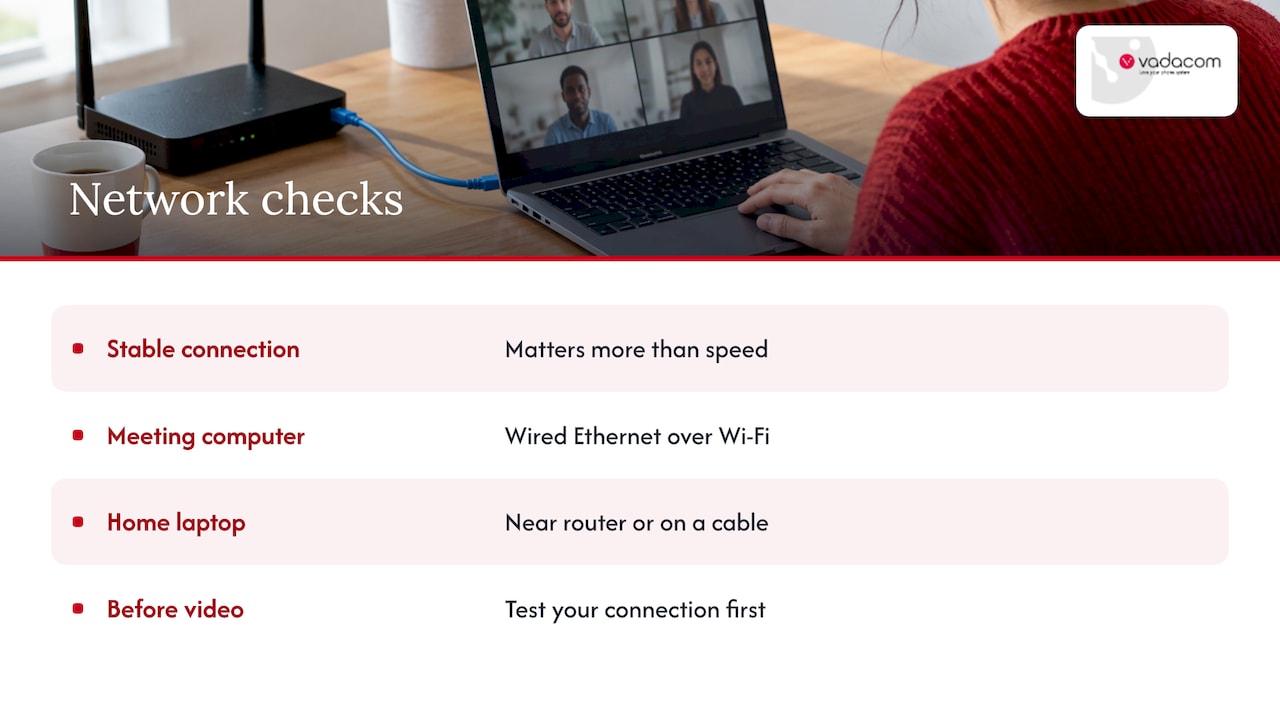
Video needs a stable connection more than a fast one. Logitech’s room design guide says a quality internet connection is required for good video calls and recommends wired Ethernet over Wi-Fi for the computer that runs the meeting. For staff at home, a laptop near the router, or on a cable, makes a visible difference.
If you already run voice over the internet, you have a head start. Our VoIP bandwidth guide shows how to test your connection before you add video, and our guide to fixing VoIP jitter explains the symptom that makes voices break up.
Step 2: Choose the platform and set up users
Pick the system first, then create users, and give each person the same way to join. With a self-service admin portal you can add, remove and change users and settings yourself as your team changes, without waiting on a ticket. NextVoice includes self-service administration for this reason.
Step 3: Set up one meeting space properly
If you have a meeting room, start with one. Logitech’s guide lists what the room needs: power, a display, a computer, USB connections to the camera and speakerphone, HDMI to the display and Ethernet, with cable extenders if the distances are long. Put the camera at about display height so remote participants see faces rather than the ceiling.
For rooms that mix in-person and remote attendees, our hybrid meeting room setup guide describes the path to a working room.
Step 4: Get the audio right
People forgive a soft picture but not a voice they cannot hear. Use a headset or a proper speakerphone, keep microphones away from speakers to avoid feedback, and ask staff in open-plan offices to use headsets.
Step 5: Run a real test call
Before the first important meeting, hold a call between the room and a remote user. Check that they can both hear and see, share a screen and leave and rejoin. If something lags, our seven quick tests for video call lag will help you find the cause.
Step 6: Agree on how your team meets
Decide when to use video, when a phone call is enough and what the norms are for cameras, muting and sharing. Our video meeting etiquette guide gives you twelve rules you can adopt as they are.
Making video part of your phone system
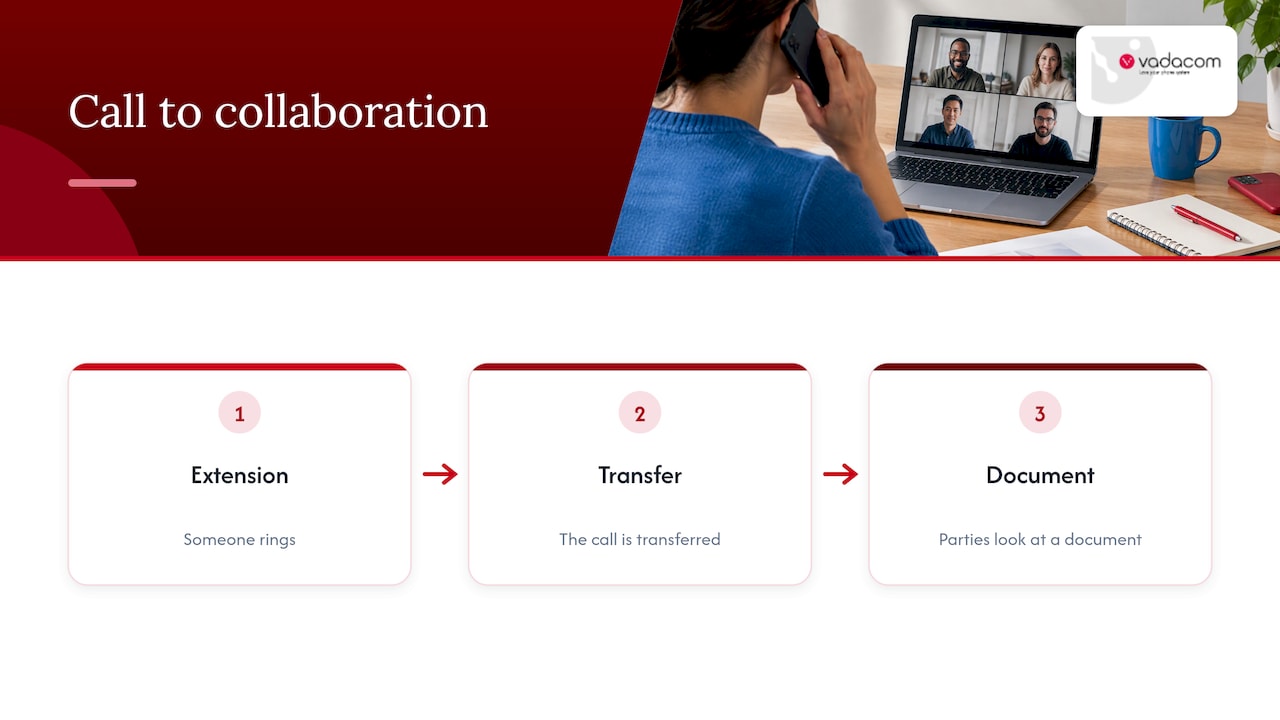
A phone call and a video call are often the same conversation at different moments. Someone rings an extension, the call is transferred, then the two parties want to look at a document. When voice, video, chat and desktop sharing sit on one platform, that moment is a click rather than a change of tool.
NextVoice covers the telephony side: extension dialling, call transfer and announced transfer, voicemail, in-app recording and individual call-flow management. The web meeting and collaboration tools add video, chat and desktop sharing. Staff can use it in the office, at home or on the move, on the devices that suit how they work.
If you are comparing providers on this basis, our guide to what to check when buying a phone system for remote work lists five procurement checks worth making.
Security and privacy basics
Video meetings often include pricing, staff matters and customer information. A few habits cover most of the risk:
- Require a login or an invitation for meetings, rather than leaving links open.
- Turn on multifactor authentication for administrators and, where possible, for every user.
- Control who can share a screen and who can record.
- Know where your meeting data is hosted and routed, as discussed above.
- Remove accounts the day someone leaves.
If you take notes or transcripts from meetings, the same rules apply to those records. For teams that want to turn meetings into structured records of decisions, this article on automating meeting notes shows the idea in a design context.
Our view on business video conferencing
We think small businesses are better served by video that comes with their phone system than by another standalone app. Most teams do not need every feature on the market. They need calls that connect reliably, a simple way to meet face to face and a clear place to manage users.
That is how we approach NextVoice. It focuses on the essential communication features businesses use every day, runs on a telco-grade cloud architecture and is designed to scale as you grow, without the cost and complexity of on-premise hardware or a large upfront investment. After more than 20 years of local development, delivery and support across New Zealand and Australia, our view is that people want to speak to a team that knows their setup.
Video is only as good as the network and audio behind it, so we start there with every customer. If you are replacing an ageing system, our technical audit is a good place to begin.
Stuart
Where Vadacom fits
If you want video, chat, desktop sharing and phone calls from one locally supported provider, NextVoice and NextMobile are built for that. NextVoice runs on AWS cloud, and you manage users and settings through self-service administration. If you are moving off an older on-premise system, our technical audit reviews what you have before you change anything.

We can also help with the front door of your business. Our locally supported AI answering service and optional AI Call Intelligence are available for teams that want to handle more calls without adding headcount. Results depend on your setup and call volumes, so we start by looking at how your calls actually flow.
Common mistakes to avoid
- Starting with the camera. Buying room hardware before checking the network usually wastes money.
- Running two systems. Separate phone and video platforms mean two sets of users to maintain.
- Ignoring audio. Choose a good headset or speakerphone before a better webcam.
- Skipping the test call. Check the first meeting in the room before the client joins.
- No rules for recording. Decide who may record and where recordings are kept.
- Forgetting remote staff. Home connections are part of your network, so share simple guidance on cables, headsets and router position.
FAQ
Is video conferencing an internet service?
Yes. Video calls travel over your internet connection, so the stability of your network affects quality more than the camera does. A wired connection is recommended for the computer running a meeting room, and a phone system that already runs over the internet gives you a good indication of how your connection will cope.
What does a small business need to start video conferencing?
A reliable internet connection, a platform your team can join easily, and a headset or speakerphone for each person. A camera is built into most laptops. A meeting room adds a display, a camera, a speakerphone and the cabling to connect them.
Can video conferencing be part of my business phone system?
Yes. NextVoice combines calling features such as extensions, transfers and voicemail with web meeting tools for video, chat and desktop sharing. That keeps users and settings in one place and gives you one local team to call.
How do I keep video meetings secure?
Use invitations or logins, switch on multifactor authentication, control who can share and record, and ask where your meeting data is hosted. Review user accounts regularly and remove anyone who has left.
Sources
- The enterprise guide to video conferencing, TechTarget
- What is video conferencing?, TechTarget
- The 13 Best Video Conferencing Tools for Small Businesses, HubSpot
- Enterprise buyer’s guide: How to choose videoconferencing software, Computerworld
- Setting up a video meeting space, Logitech room design guide
- Managing virtual teams: trust, clarity and results
- How to automate meeting notes for design teams