
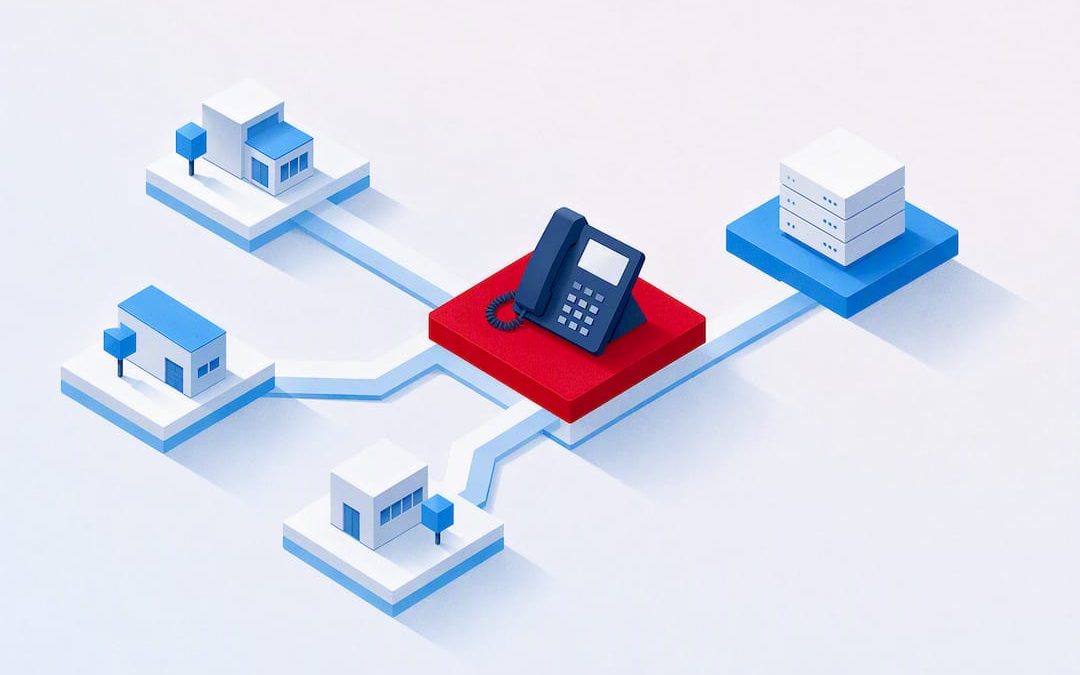
For most small and medium businesses, the practical choice is a hosted business phone system, built for call handling, admin control, and local support without on-site hardware. The main reason to pick this route over a legacy PBX or an unmanaged budget VoIP plan is straightforward: you get full feature coverage, self-service configuration, and someone local to call when it breaks. The sections below cover the features to check, real cost bands, and a step-by-step migration checklist.
TL;DR:
- Most SMBs should prioritize providers offering self-managed call flow, extension management, and local support with quick response times to avoid support delays.
- Features like call recording with searchable storage, IVR configuration, and integrations with CRM or helpdesk software are essential for efficient business operations.
- Budgeting should account for setup, porting, potential hardware upgrades, and contract terms, as total ownership costs spread over time, not just monthly fees.
- Planning for internet dependence, emergency call routing, and redundancy such as failover options ensures reliable communication during outages or connectivity issues.
- For larger migrations, engaging a professional support team reduces risks of downtime, especially for complex setups involving many users, sites, or integrations.
Table of Contents
- What is a cloud business phone system, exactly?
- What features should you check before choosing a provider?
- How much does a cloud business phone system cost?
- Pros, cons, and how to manage the trade-offs
- How do you migrate to a cloud phone system without downtime?
- What hardware and integrations does your IT team need to check?
- Security, compliance, and emergency calling: what to lock down
- What I’d tell a business owner before they sign anything
- See how Vadacom stacks up against the checklist
- Sources
What is a cloud business phone system, exactly?
A cloud business phone system routes calls through the internet rather than copper lines or an on-site PBX box in a server cupboard. Instead of buying a phone switch and maintaining it yourself, you rent access to a hosted platform that handles call routing, voicemail, conferencing, and admin from a browser or app. This is the model behind terms like hosted business phone system, cloud telephony, and business VoIP phone system. They all describe the same shift: your dial tone now lives in a data centre, not a wiring closet.
This type of system fits the profile of most SMBs looking to move off ageing hardware or a patchwork of mobile numbers. It bundles voice and video calling, extension dialling, call transfer, voicemail, in-app call recording, and configurable call flows (IVR) into one platform, alongside web meeting tools like video, chat, and desktop sharing.
Three groups get the most value from this kind of setup:
- Small teams (5 to 50 seats) who need proper call routing and voicemail without hiring a telecoms specialist.
- Front-line and reception-heavy teams that rely on IVR menus and call transfer to keep customers moving to the right person fast.
- Distributed or hybrid staff who need the same extension and call features whether they’re in the office, at home, or on the road.
A retail chain running five locations, a professional services firm with staff working from home two days a week, or a trades business fielding after-hours enquiries all sit comfortably in this bracket. The common thread is a need for reliable call handling and the flexibility to add or remove users without waiting weeks for a technician.
What differentiates this approach, based on customer feedback, is the combination of self-managed administration and local support. Clients can adjust call flows, add users, or change extensions in real time themselves, which matters when a business changes hours, adds a new starter, or needs to redirect calls during a public holiday. The LifePlus customer testimonial points to meaningful savings and strong local support as the outcome of that combination, rather than a feature checklist alone.
Pro Tip: Before you sign anything, ask a prospective vendor how long it takes to add a new starter to the system and set up their extension. If the answer involves a support ticket and a two-day wait, that’s a warning sign for how the relationship will run once you’re a paying customer.
What features should you check before choosing a provider?
Buyer guides comparing cloud phone systems consistently judge platforms on the same three axes: feature breadth, admin tooling, and support quality. That’s a useful filter, because feature lists alone don’t tell you whether a system will actually run your business well day to day.
Core telephony and collaboration features
Every serious proposal should include these as standard, not as paid extras:
- Call routing and IVR with visual or simple config tools, so you can build a menu tree yourself.
- Mobile and desktop apps that mirror desk phone functionality, including call transfer and hold.
- Call recording with searchable storage, not just a raw audio dump.
- Conferencing and video meetings for internal huddles and client calls in the same app you use for phone calls.
- Voicemail to email or transcript, so messages don’t get lost in a shared mailbox nobody checks.
Advanced extras like AI-generated call summaries and automatic transcription are genuinely useful for busy sales and support teams, but user reviews on G2 show these usually arrive as premium add-ons rather than baseline inclusions. Confirm exactly what’s bundled before you compare price per seat.
Admin and provisioning features that save money later
The features that cut your long-term cost aren’t the flashy ones. They’re the boring admin tools: self-service number and extension management, bulk user provisioning, and the ability to reassign a number without a support call. A system where every change needs a vendor ticket will cost you in delays and, eventually, in support fees once you’re past your included allowance.
Support, SLAs, and resilience
Ask for the support response time in writing, not as a verbal promise. Buyer guides comparing SLA quality note that local support and fast response times matter more to small teams than marginal feature differences, and that tracks with what most SMB owners actually complain about: not missing features, but slow answers when something goes wrong at 8am on a Monday.
Questions worth putting to any vendor directly:
- What’s your guaranteed uptime, and what happens if you miss it?
- Is support based locally, or routed through an overseas call centre?
- Can I self-manage call flows and users, or does every change need a ticket?
- What happens to call quality if our internet connection drops for ten minutes?
| Feature category | Must have | Nice to have |
|---|---|---|
| Call handling | IVR, call transfer, voicemail | Custom hold music, call whisper |
| Recording | In-app call recording | AI transcription and summaries |
| Admin | Self-service user/number management | Bulk CSV import for large rollouts |
| Support | Local support, published SLA | Dedicated account manager |
| Collaboration | Video meetings, chat | Desktop sharing with annotation |
Treat the “must have” column as a hard filter. If a vendor can’t tick every box there at your quoted price, it’s not actually comparable to one that can.
How much does a cloud business phone system cost?
Pricing for a cloud business phone system almost always runs on a per-user, per-month subscription, with a wide range depending on the features included. That’s a wide range on purpose. The number that actually matters is what’s bundled at that price, not the headline figure.
The main cost drivers to watch for:
- Number of seats and their tier. Basic seats (voice only) usually cost less than seats with video, recording, and CRM integration included.
- Hardware. Desk phones can be bought outright, leased, or in some cases provided free with a longer contract term.
- Number porting fees. Moving your existing numbers across sometimes carries a one-off charge per number.
- Setup and onboarding fees. Some vendors charge for initial configuration, IVR build-out, or migration assistance.
- Add-on features. Call recording storage beyond a certain volume, advanced analytics, and AI features frequently sit outside the base plan.
Explainers on cloud versus on-premise phone systems point out the real structural shift here: you’re moving cost from a large upfront capital purchase (a PBX box, wiring, licensing) to an ongoing operating expense. That’s good for cash flow, but it means the total cost of ownership is spread out and easy to underestimate if you only look at the sticker price.
When you compare quotes, put every proposal through the same four checks:
- Contract length. Twelve months is common; anything beyond 24 months should come with a genuine price advantage to justify the lock-in.
- Termination fees. Ask exactly what it costs to leave early, in writing.
- Hidden charges. Confirm whether call recording storage, extra IVR menus, or additional conference lines are included or billed separately.
- Total cost over the contract term, not just the monthly per-seat number. A cheaper headline rate with a hefty setup fee can cost more over a year than a slightly higher rate with nothing upfront.
A useful rule of thumb: if a vendor’s proposal doesn’t mention porting fees, setup costs, or termination terms without you asking, ask directly before signing. Silence on those line items is usually not good news.
Pros, cons, and how to manage the trade-offs
Cloud phone systems solve real problems, but they’re not without friction. Weighing both sides properly before you commit saves a lot of frustration six months in.
The advantages are well documented. Cloud telephony scales up or down with your headcount, enables staff to work from anywhere without losing phone functionality, and shifts spending away from hardware capital expense, as explainers on cloud versus on-premise systems note. Adding five seats for a seasonal hire doesn’t require new wiring or a technician visit.
The downsides are just as real:
- Internet dependence. If your connection drops, your phones drop with it, unlike a traditional landline that keeps working through a power cut (assuming battery backup).
- Emergency call handling varies by provider. Some cloud systems route emergency calls differently to a fixed line, and the routing can depend on where your account is registered rather than where you’re physically calling from.
- Vendor lock-in. Contract terms, porting complexity, and proprietary hardware can make switching providers later more painful than it should be.
None of these are reasons to avoid cloud telephony. They’re reasons to plan for them. Ask about redundant internet links or 4G/5G failover for your router, confirm SIP failover behaviour if your primary connection drops, and get emergency call routing explained in writing before you sign, not after an incident forces the question.
How do you migrate to a cloud phone system without downtime?
A staged migration beats a big-bang cutover almost every time. Buyer guides on cloud phone migrations consistently find that piloting with a small group first exposes problems with network, handsets, or call flows long before they can affect your whole team.
- Audit before you buy. Count your users, existing numbers, current call volumes, and the software you need to integrate (CRM, helpdesk). Note your current internet bandwidth and connection type.
- Test your network readiness. Calculate the bandwidth needed per concurrent call and confirm your router can handle Quality of Service (QoS) prioritisation, a step technical guides on migration readiness flag as one of the biggest predictors of call quality success or failure.
- Start number porting early. Porting a landline or mobile number to a new provider can take anywhere from a few days to a couple of weeks. Ask your new provider for a written porting timeline and who to contact if it stalls.
- Run a pilot with a small group. Five to ten users testing real call flows for a week or two will surface issues with IVR menus, call transfer, or headset compatibility before the whole business depends on it.
- Plan cutover day deliberately. Schedule the switch outside peak hours, have both systems briefly running in parallel if possible, and brief staff on the new dial patterns and voicemail access the day before, not the morning of.
- Train staff on the essentials. Most people only need to know how to transfer a call, check voicemail, and set their status. Save deep admin training for whoever manages the system.
- Monitor call quality after go-live. Check call drop rates and audio quality for the first two weeks, and keep a direct line open to your provider’s support team in case early issues need fast escalation.
Pro Tip: Run your pilot group through a full working week, not just a couple of days. Monday morning call volume and Friday afternoon wind-down behave differently, and you want both stress-tested before the whole company relies on the system.
What hardware and integrations does your IT team need to check?
Before signing anything, IT decision-makers should confirm the network and hardware side will actually hold up under real call volume. A single HD voice call typically needs a modest, predictable amount of bandwidth, but multiply that by every concurrent call your business runs at peak time and the number adds up fast, especially if video meetings run alongside voice calls. Bandwidth planning guides recommend calculating your true concurrent call load rather than guessing, then adding headroom for video and file sharing on the same connection.
Quality of Service (QoS) configuration on your router matters just as much as raw bandwidth. Without it, a large file upload or a video call from one staff member can degrade voice quality for everyone else on the network.
On the hardware side, check:
- Whether your existing desk phones are compatible, or whether you need new handsets.
- Headset compatibility for staff using softphones on laptops.
- Whether the vendor supports bring-your-own-device for mobile apps, or requires a specific handset range.
Integration matters too. Cloud phone systems that connect to your CRM or helpdesk software let call context (caller history, previous tickets) surface automatically when a call comes in, which is one of the most consistently cited productivity wins in explainers on cloud telephony. Ask any vendor exactly which platforms they integrate with natively, and which require a third-party connector or custom API work.
Security, compliance, and emergency calling: what to lock down
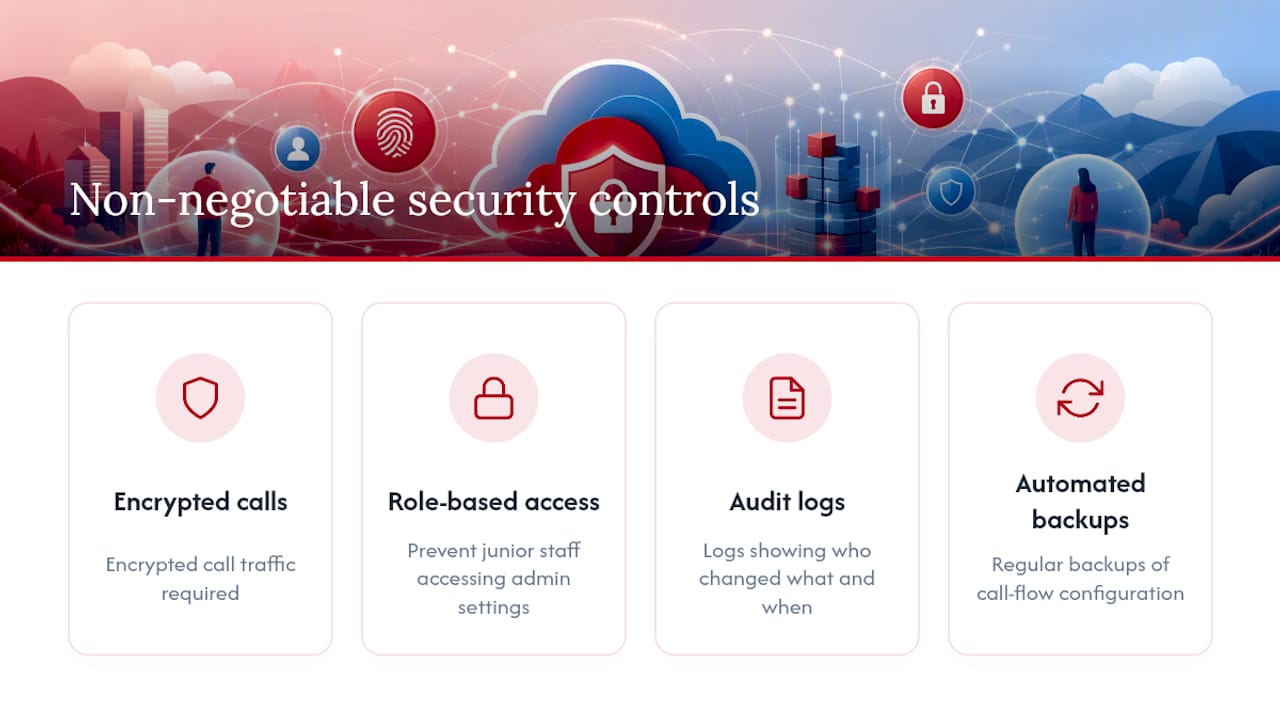
Security requirements for a business phone system are less exotic than people expect, but they’re non-negotiable. Insist on encrypted call traffic, role-based access control so junior staff can’t access admin settings, audit logs showing who changed what and when, and regular automated backups of your call flow configuration.
Call recording brings its own obligations. Confirm how recordings are stored, for how long, and whether your industry has specific retention rules that apply. Consent requirements for recording calls vary depending on your jurisdiction and the nature of the call, so this is worth checking with your own legal counsel rather than assuming the vendor’s default settings cover you.
Emergency calling deserves particular attention, because it’s the one feature most buyers assume works exactly like a landline until they discover otherwise. Cloud providers handle emergency call routing differently depending on where an account is registered, not necessarily where the call is physically made, as explainers on cloud phone limitations point out. Ask your provider directly how emergency calls are routed for your specific locations, and get the answer in writing before you rely on it.
What I’d tell a business owner before they sign anything
The feature comparisons matter, but they’re rarely where SMBs get burned. The mistake I see most often is buyers optimising for the longest feature list on the page instead of asking who answers the phone when their phone system itself goes down. A platform with forty features and a three-day support queue will frustrate a twelve-person team far more than a leaner system with someone who picks up the same afternoon.
Training is the other blind spot. A system can have brilliant call flow logic and still fail in practice if nobody on staff knows how to update the after-hours voicemail message before a public holiday. Budget real time for training beyond the person who signed the contract, because that person usually isn’t the one answering the phones.
If your migration involves more than fifty users, multiple sites, or a CRM integration with genuine business logic riding on it, it’s worth engaging a managed migration partner rather than doing the cutover entirely in-house. The cost of professional migration support is almost always smaller than the cost of a botched cutover during business hours.
— Stuart
See how Vadacom stacks up against the checklist
Running a relevant provider against the checklist above, most boxes get ticked without a caveat: self-service call flow and extension management, in-app call recording, IVR configuration, video meetings, and local support that doesn’t route through an overseas queue. That last point is the one that separates a smooth relationship from a frustrating one, because the difference between a system you can adjust yourself in minutes and one that needs a support ticket for every small change shows up in your day-to-day operations, not just your monthly bill.
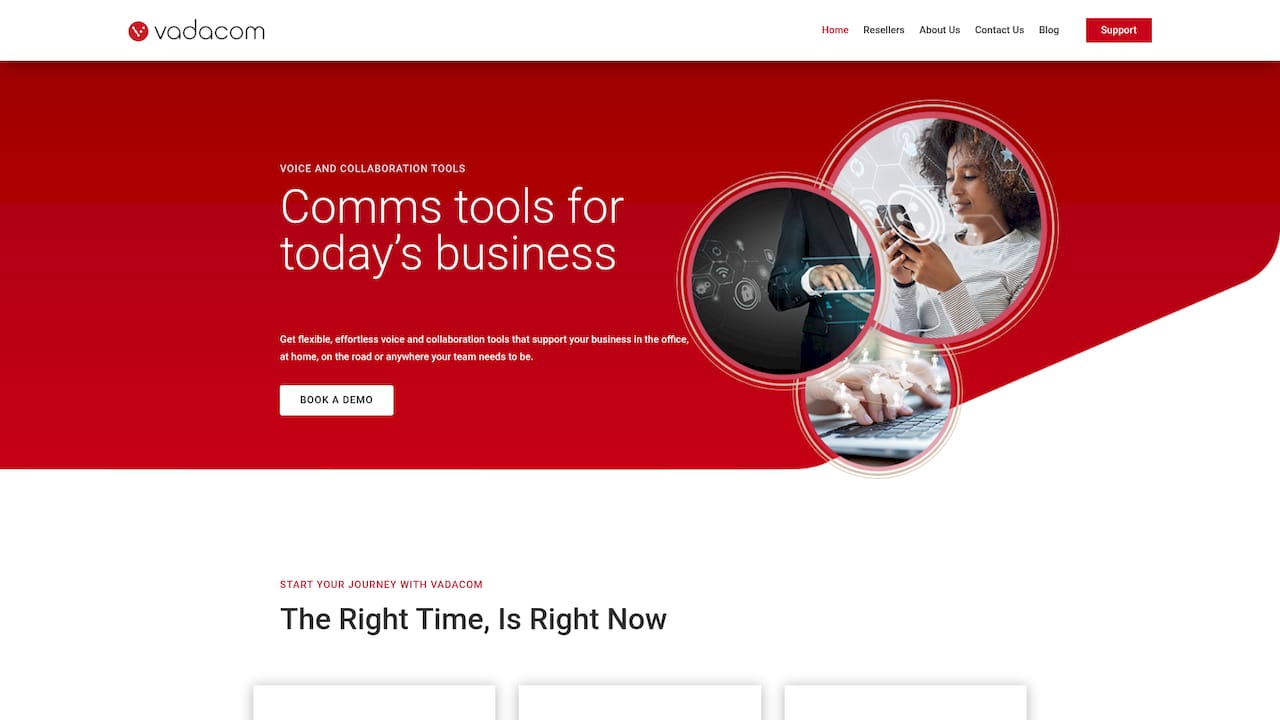
Vadacom also builds on established cloud infrastructure, which matters if your IT team wants to understand exactly what’s underpinning uptime and resilience before committing. You can see the technical detail on the AWS integration page, including how the platform handles the redundancy questions raised earlier in this guide. If you’re ready to move past comparison shopping, request a demo through Vadacom’s homepage and get a straight answer on pricing and setup timelines for your team size.